Save up to 70% on Autodesk Products Shop Now ›
100% Genuine AutoCAD Products
★★★★★ 4.6/5 Approved Shopper ReviewsInstant Digital Delivery
★ #1 Software Store 5 Yrs support@cadkeys.comFollow this simple guide to accept your Autodesk invitation, access your account, download your product, and activate your software successfully.
Go to Autodesk AccountContact Support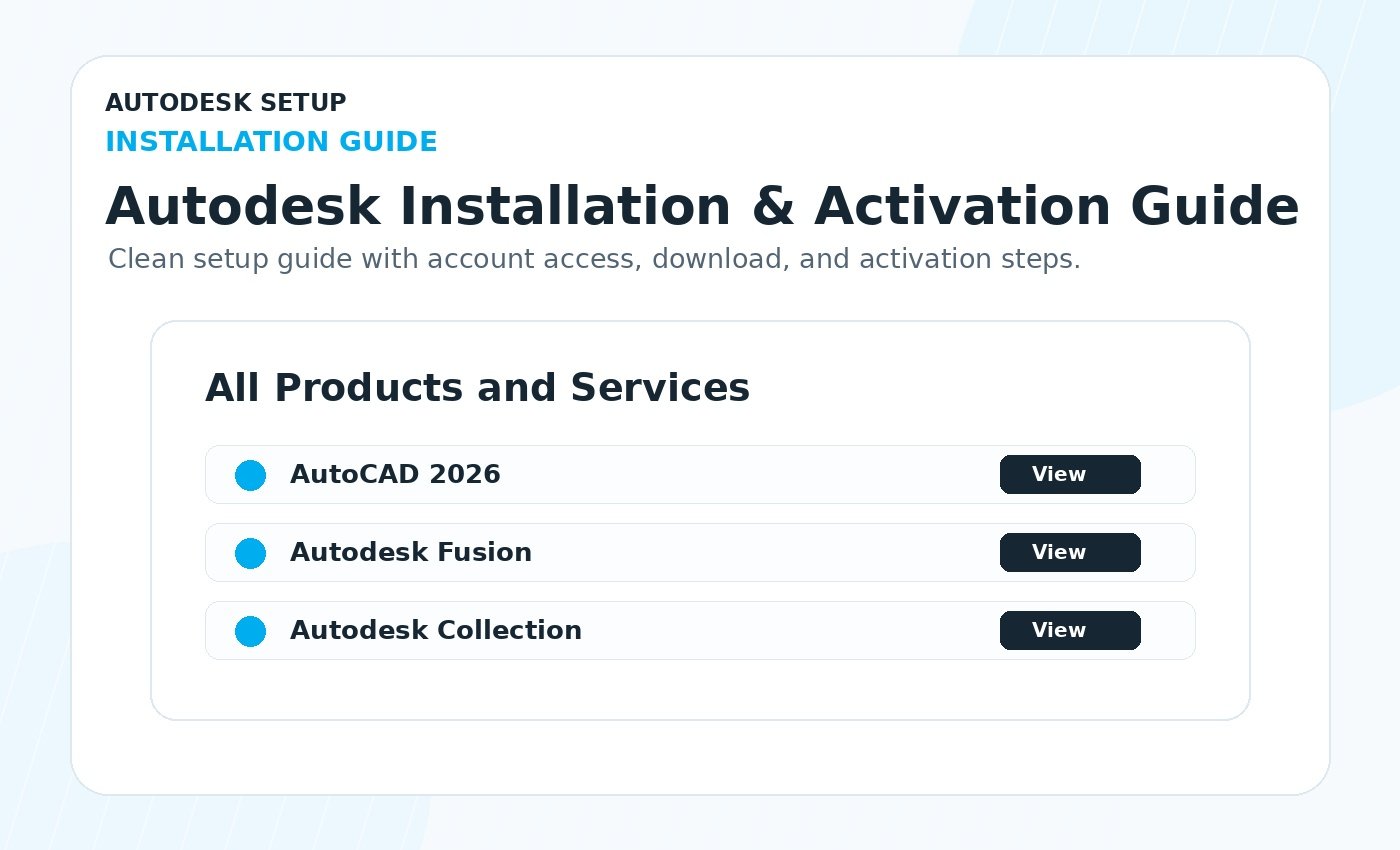
Use the same email address provided during checkout. Your Autodesk access is connected to your Autodesk account after accepting the official invitation.
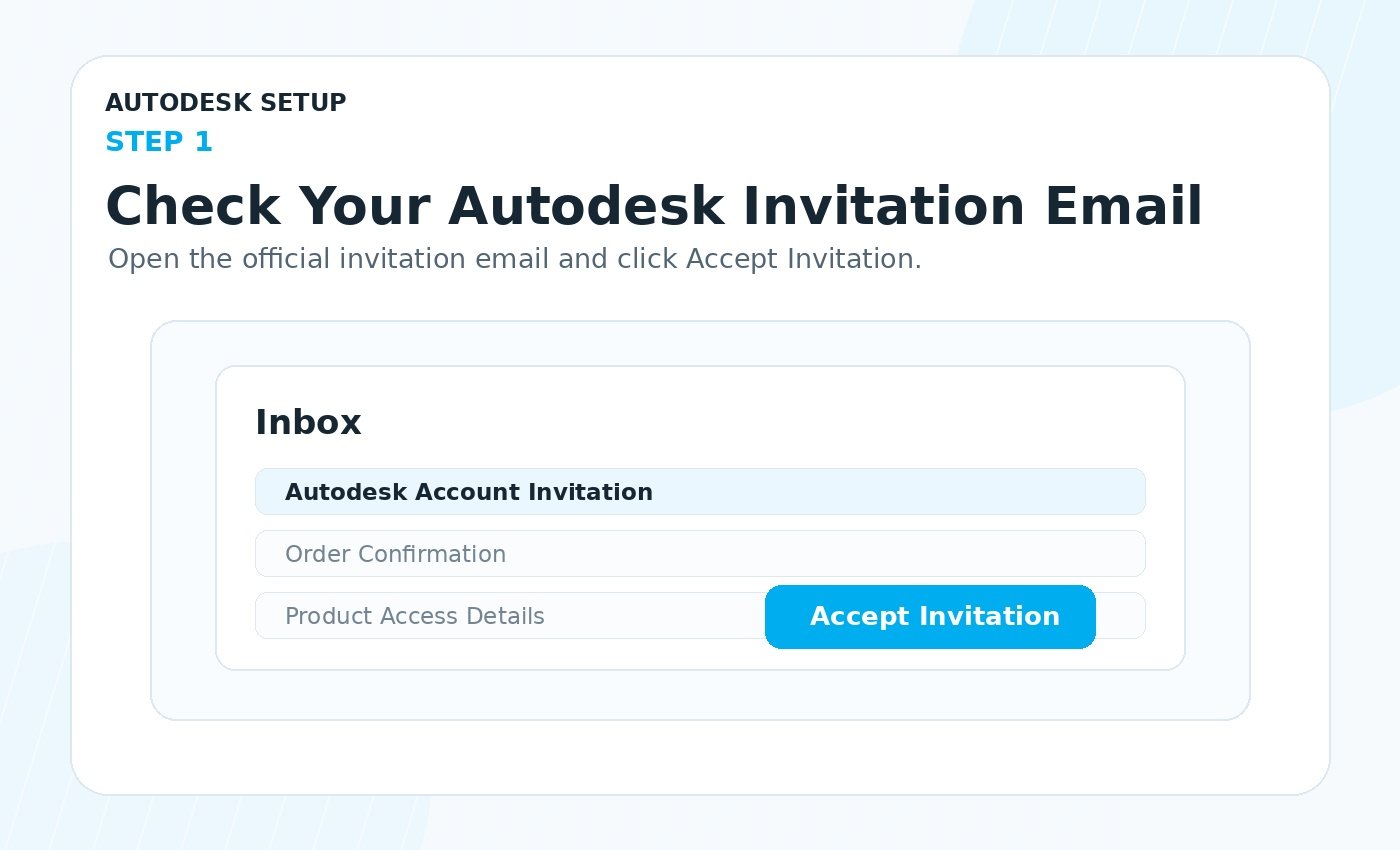
After your order is processed, you will receive an Autodesk invitation email. Open the email and click Accept Invitation.
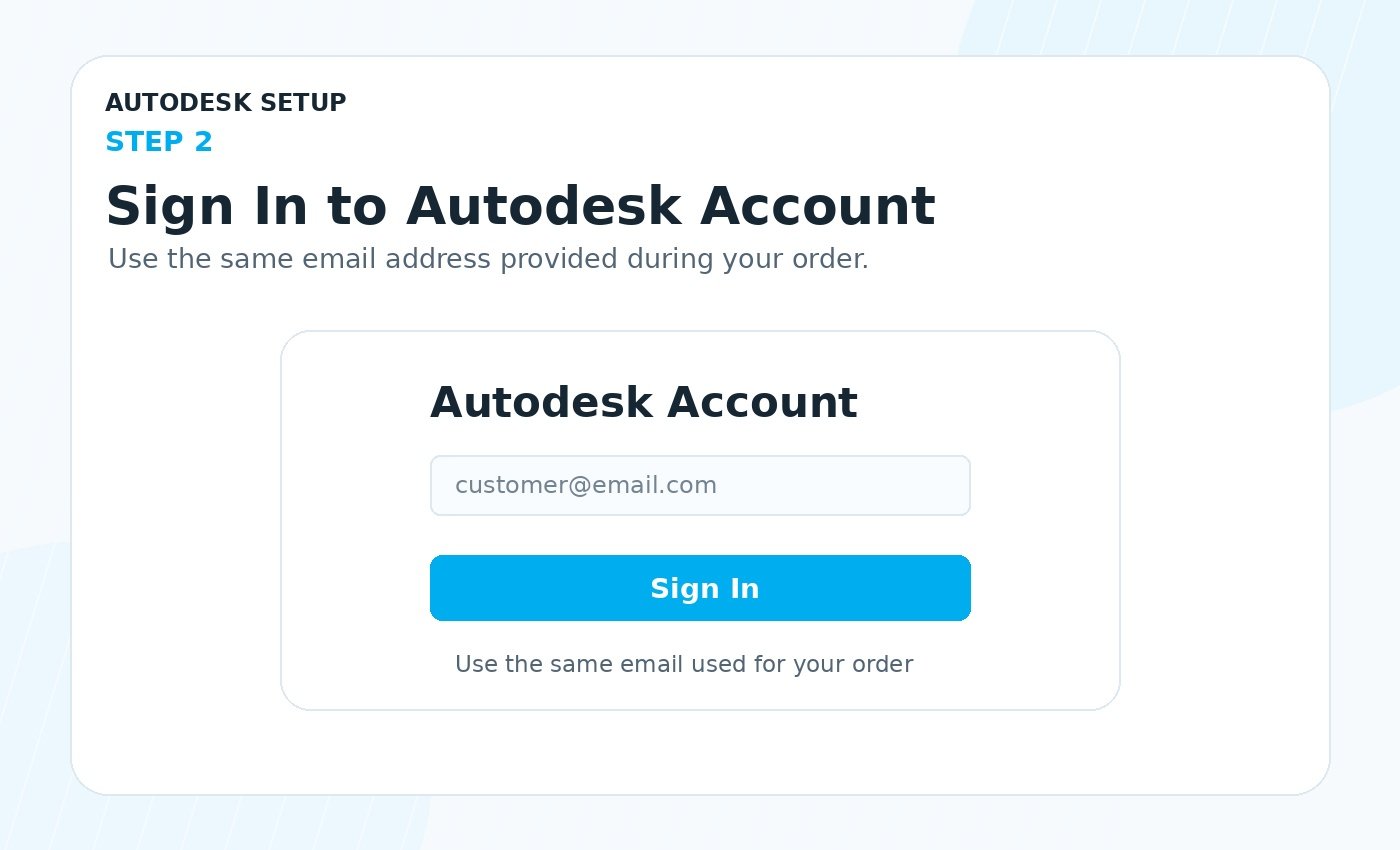
Go to manage.autodesk.com and sign in using the same email address where you received the Autodesk invitation.
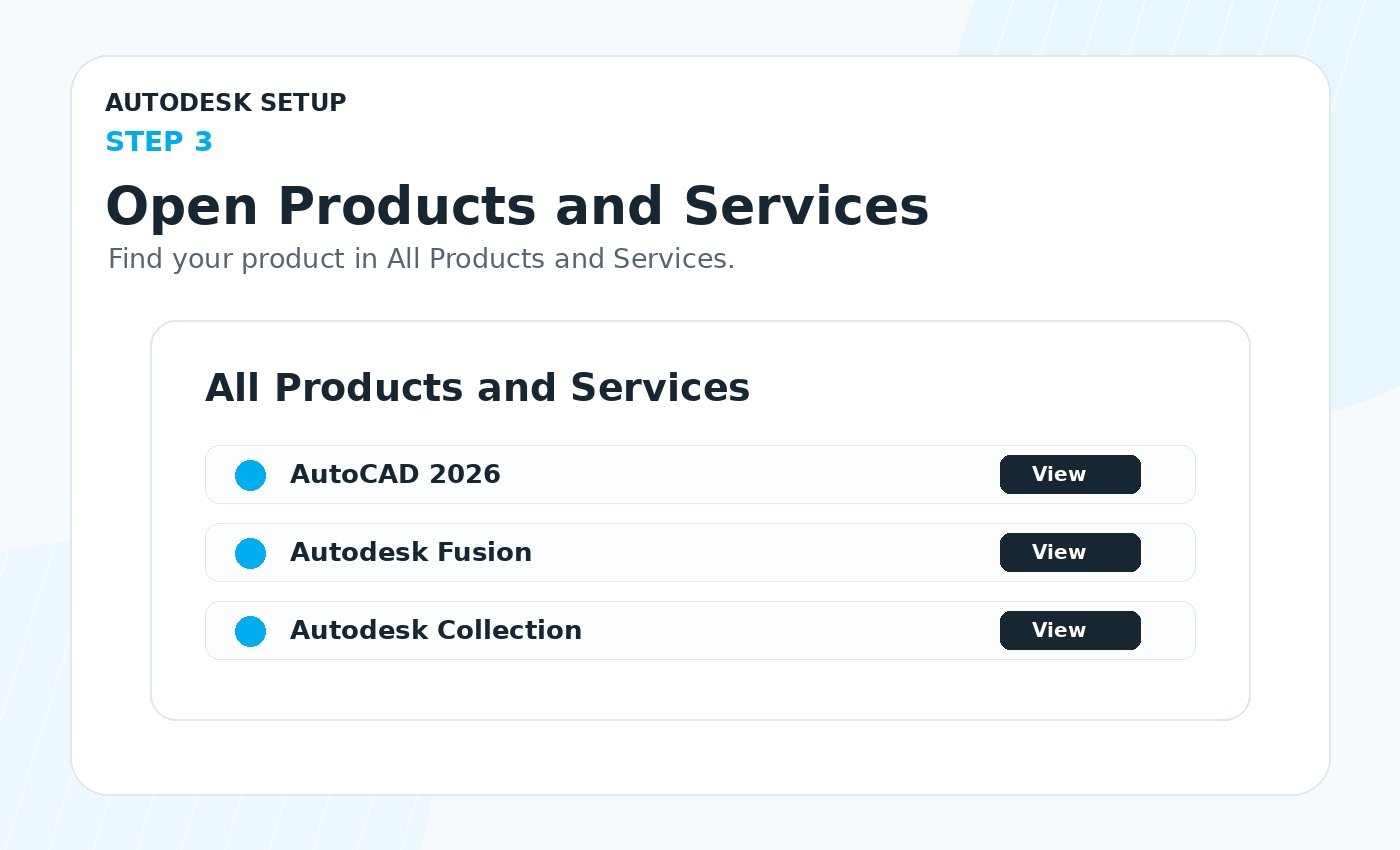
Inside your Autodesk account, open All Products and Services. Find your product, choose the correct version, then select Windows or macOS.
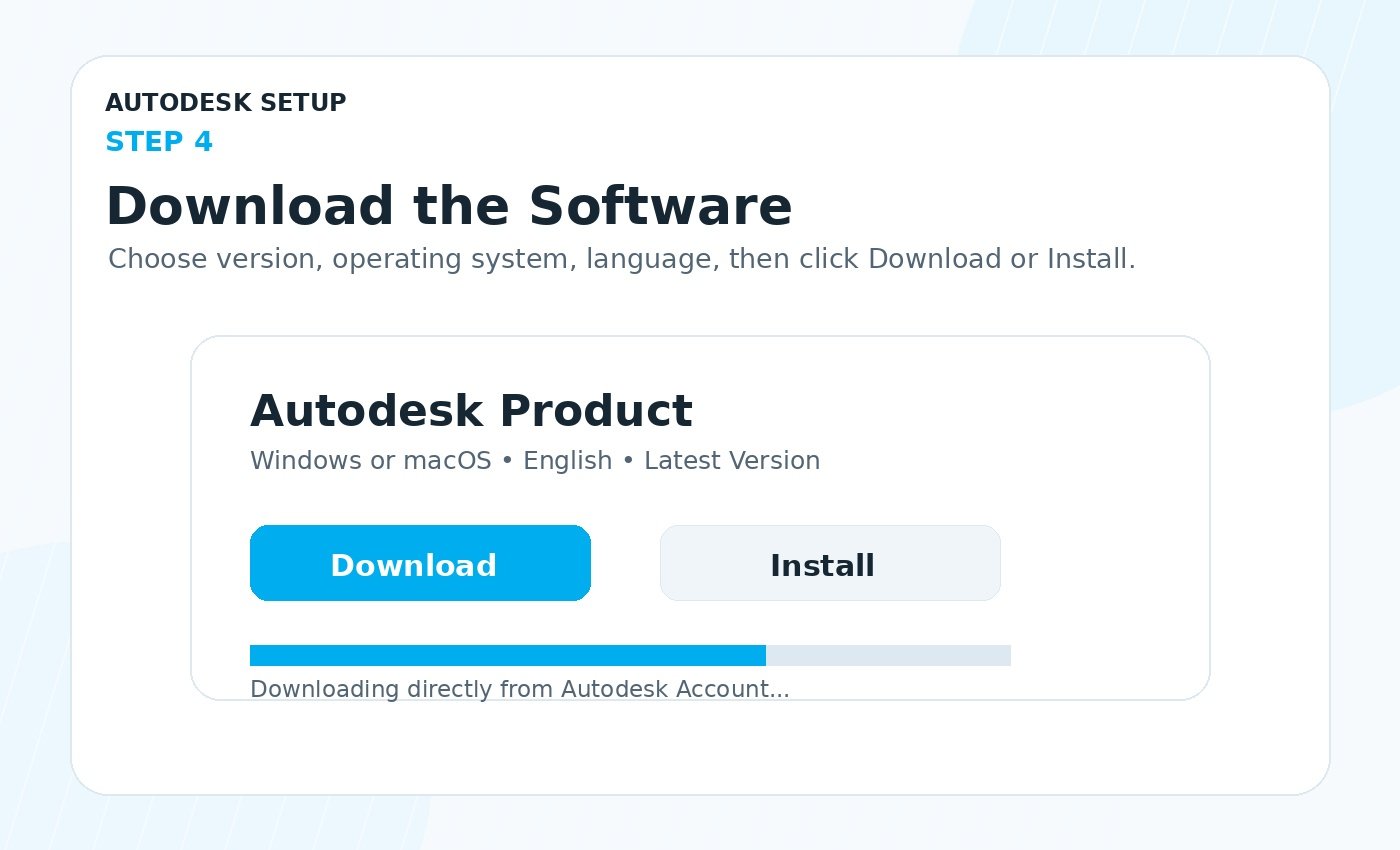
Click Install or Download next to your product. Keep your internet connection stable until the download is complete.
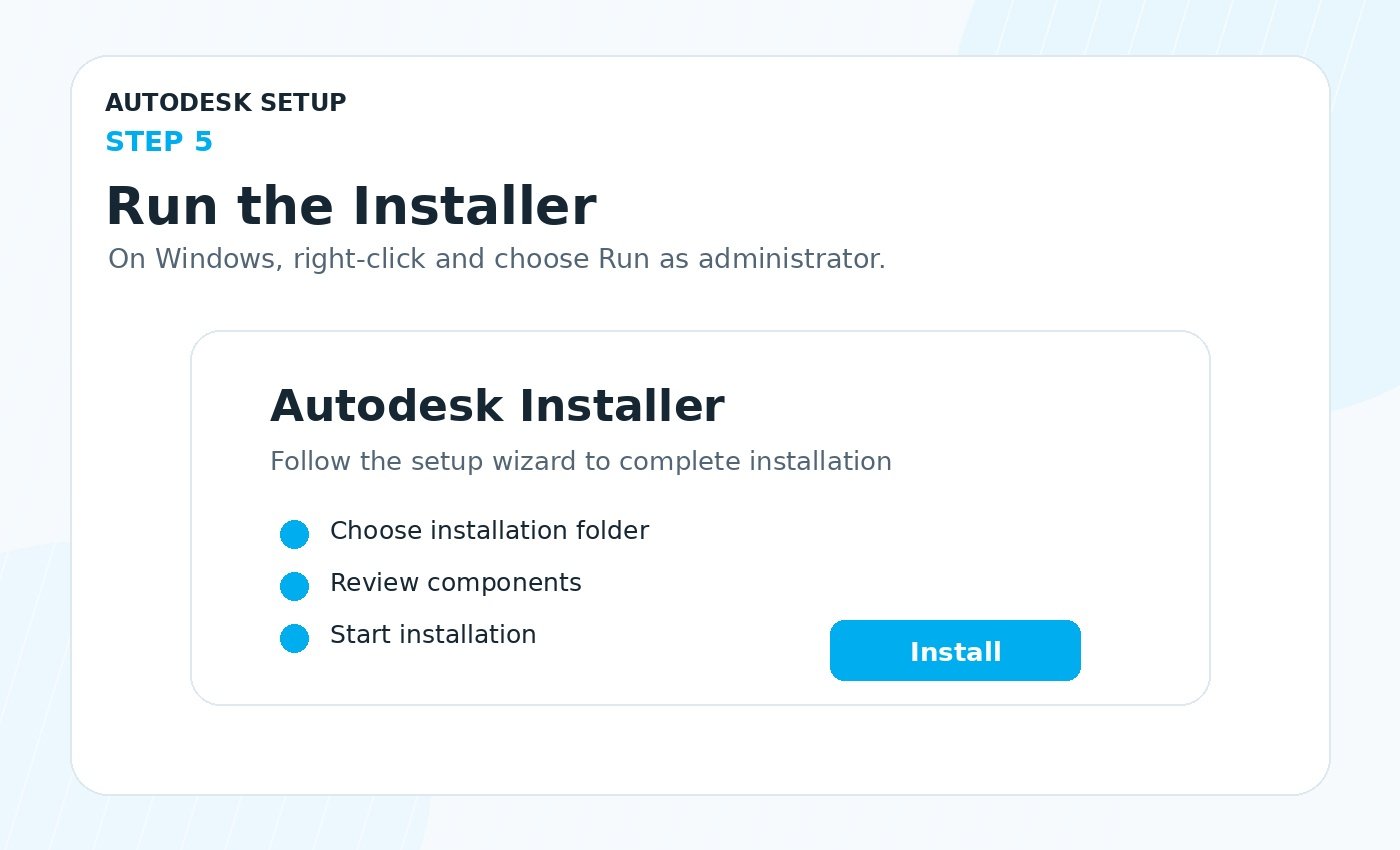
For Windows, right-click the installer and choose Run as administrator. For macOS, open the downloaded file and follow the setup instructions.
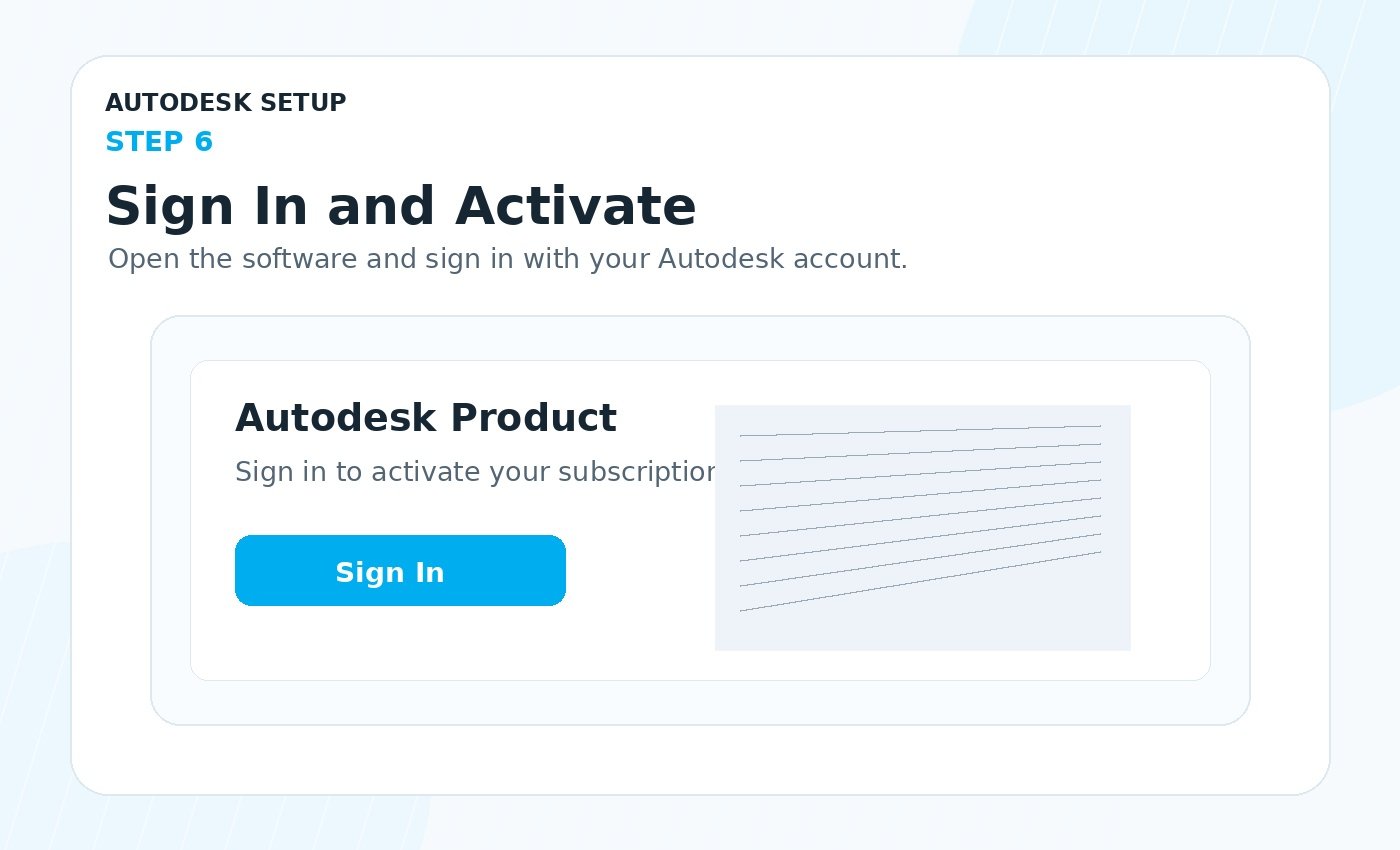
After installation, open the Autodesk software and click Sign In. Use the same Autodesk account email and your software should activate automatically.
Our support team can help with account access, download, installation, activation, and product access issues.
Email: support@cadkeys.com
Contact Support